



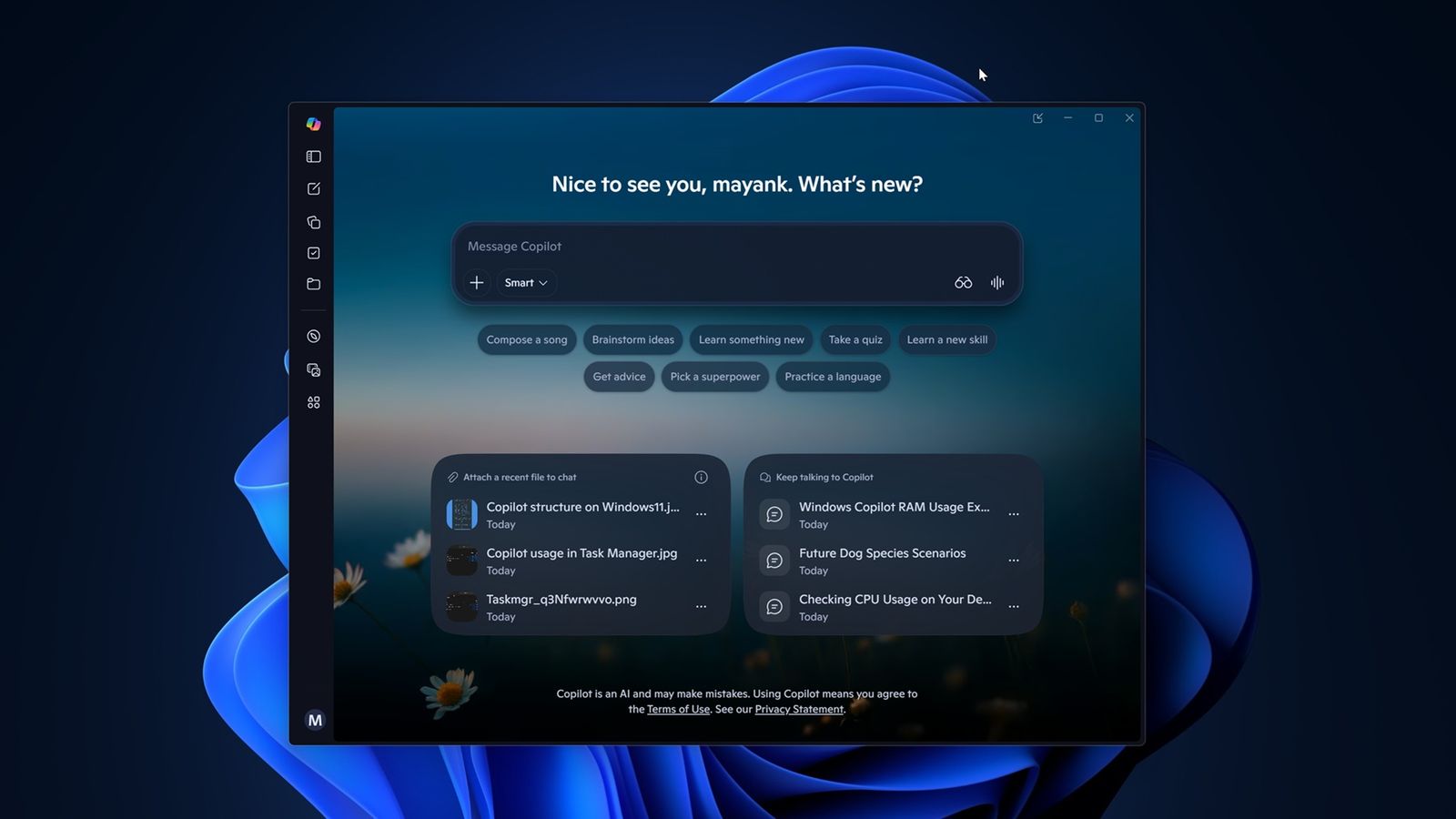
Windows 11 Copilot: The new feature that helps you understand your PC
Windows 11 is testing an interesting new feature: Copilot can now tell you what is slowing down your PC. That's right, while consuming 1GB of RAM on its own. Seems ironic, right? But let's understand this story better.
Copilot, which is a kind of artificial intelligence assistant, has gained a function called "PC Insights." This function analyzes system resource usage, such as CPU and RAM, and helps identify the cause of performance issues. The idea is that you can ask questions about the current state of your hardware and receive direct answers. For example, you can ask about the free space on your disk, and Copilot will tell you if that 100GB game you want to install will fit.
But don't be fooled, Copilot won't solve your problems on its own. It is still in the testing phase and only has read access to system information. This means it cannot, for now, make changes or "fix" anything directly. Microsoft assures that Copilot only accesses data from your PC with your permission, so you can rest easy regarding privacy.
What Copilot Can Do for You
Copilot is equipped to interpret a range of information from your system. It can read resource usage such as CPU, RAM, and GPU, calculate available storage space, and even check connected devices like printers and webcams. Additionally, it can access information about battery health, antivirus status, and system specifications.
For example, if you ask how much free space you have on your disk, Copilot can tell you that you have 87GB available. If you ask if you can install GTA V, it will search the internet and inform you that the game needs over 100GB, suggesting that you free up space.
Microsoft is betting that Copilot will help you understand system usage without needing to rummage through Task Manager or File Explorer. The idea is that it explains everything in simple language, allowing you to make quicker decisions.
The Copilot Paradox
Despite all these functionalities, there is a certain irony in the fact that Copilot itself consumes up to 1GB of RAM, even when doing nothing. This can be a problem, especially for PCs with less available memory. Microsoft is aware of this and promises that Copilot will not scan your PC without your permission. You can adjust the settings so that it always asks for authorization before accessing information.
The company also states that it will not use your personal information or system data to train its AI models. Only conversation activity, such as questions and answers, may be used to improve user experience.
Windows 11 Copilot promises to be a useful tool, especially for those who are not very tech-savvy. But it is essential to keep an eye on resource consumption; after all, no one wants an assistant that hinders more than helps. Microsoft is still fine-tuning the details, and we will see how this feature evolves in the coming months.
Comments (0)
Comments are moderated and if they violate our Terms and Conditions of use, the comment will be deleted. Persistence in violation will result in a ban of your account.