


Microsoft Redefines Copilot to Protect Your Work
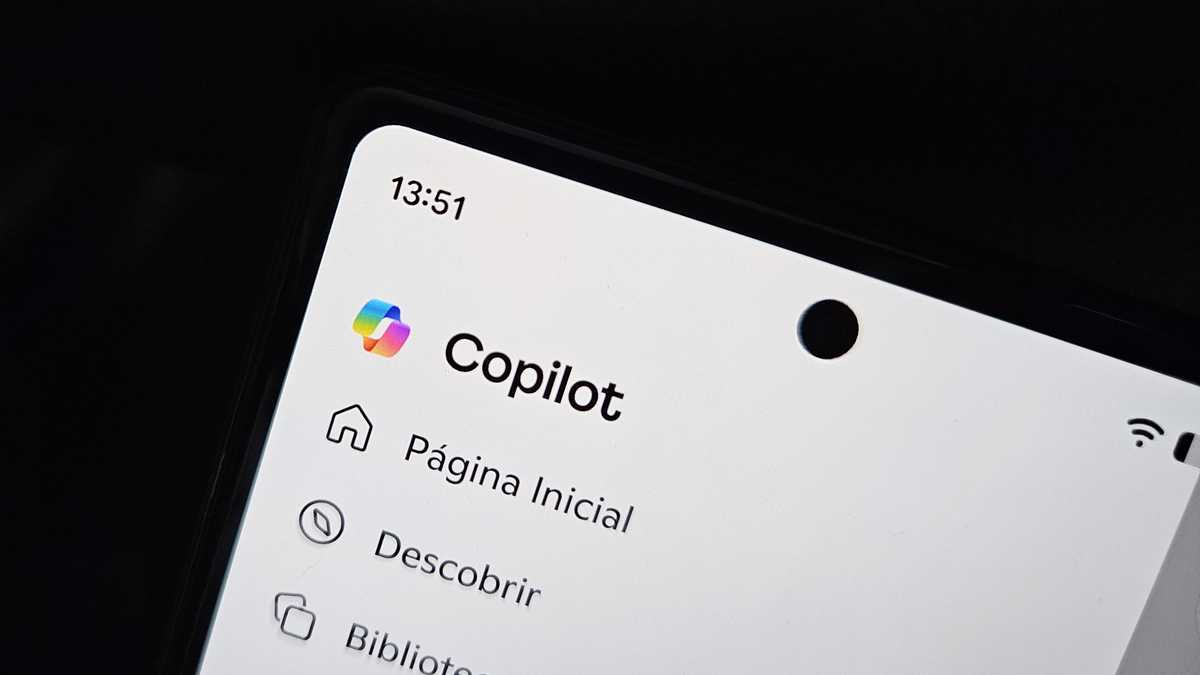
Microsoft is giving Copilot, its artificial intelligence tool, a makeover to ensure it doesn't interfere where it shouldn't. The idea is to prevent AI from making unwanted changes to documents and presentations. For now, these new features are being tested with enterprise partners and are expected to launch first on Copilot Enterprise before reaching the general public.
O que está por trás dessa mudança? A Microsoft quer tornar o Copilot mais "sob demanda", ou seja, o usuário decide quando e como a IA pode interagir com seus arquivos. Isso faz parte de uma estratégia maior da empresa, que está transformando o Copilot de um simples respondedor de perguntas para um executor de tarefas mais complexas, como o Copilot Tasks, Copilot Cowork e Agent 365. Com isso, a Microsoft está adicionando mais controles para evitar que a IA aja sem supervisão.
In addition, Microsoft is unifying its Copilot teams for consumers and businesses, creating a more cohesive experience. The interface is also being redesigned to be simpler, prioritizing only what is essential, such as starting chats, conversation history, and task tracking. And according to the company, the app is up to two times faster to load.
Among the new features, the "read-only" mode stands out, where the user can request Copilot analyses without allowing it to modify the content. This means the AI can summarize or review documents without touching the original text. Another feature under development is locking specific areas of documents, allowing Copilot to modify only designated parts, maintaining control over sensitive content.
The way commands appear in Word and PowerPoint is also changing. Instead of generic suggestions, Copilot will offer recommendations based on the context of the task and the app in use. Advanced features will only appear when actually needed, thanks to a system of "progressive disclosure."
Behind all this, Microsoft is reorganizing Copilot's infrastructure into four pillars: experience, platform, Microsoft 365 apps, and AI models. With new leadership, including Jacob Andreou and Mustafa Suleyman, the company wants to keep human control at the center of AI usage, especially in more delicate professional tasks. If you liked this update, you might also want to know how to use GPT-5 in Microsoft Copilot.
Comments (0)
Comments are moderated and if they violate our Terms and Conditions of use, the comment will be deleted. Persistence in violation will result in a ban of your account.